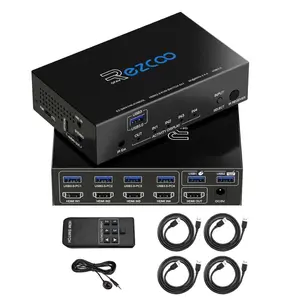

EZXOO USB3.0 HDMI KVM Switch 4 Port 4 In 1 Out 4K 60Hz 4 In 4 Out SPDIF 5.1 Audio Breakout - Mouse/Keyboard/Wireless USB for PC,Printer,Scanner,Windows,Linux, HDR HDMI Auto Switch 4x1,IR Remote KVM 4X1
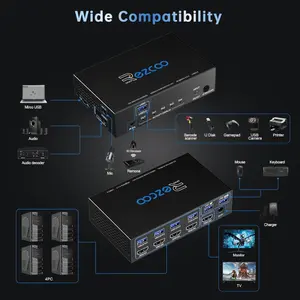
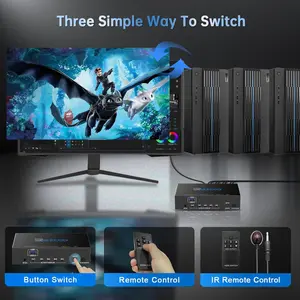
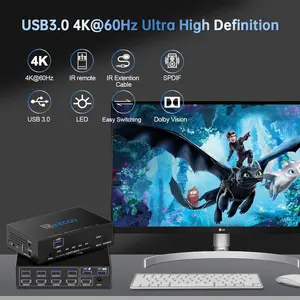
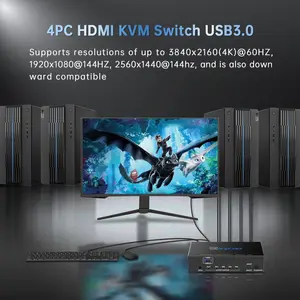
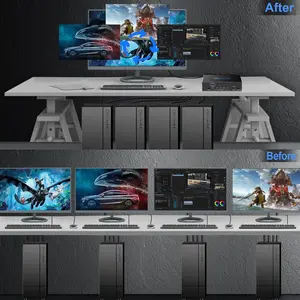
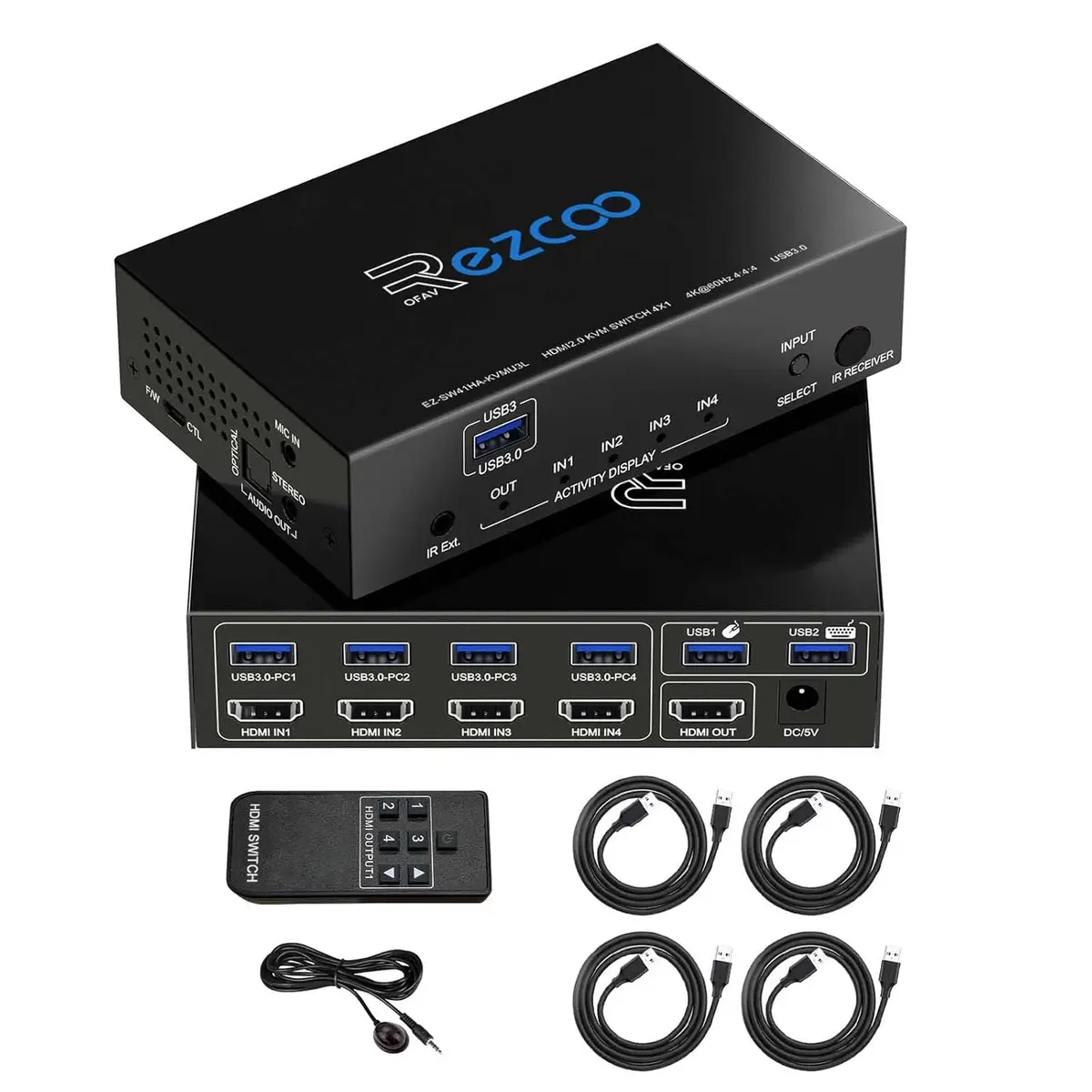
About this item HDMI KVM Switcher 4 In 1 Out with 4 USB-A and 4 USB-A port --- HDMI input and USB 3.0 input can switch in sync; Control 4 HDMI sources easily by one set USB keyboard mouse. Support button Switch, IR remote,CEC/ bluetooth,wireless keyboard,mouse/ mechanical gaming keyboard. Downward Compatible. Supports PC console, firmware upgrade, 33 EDID options. EASY SET UP --- 1. Power on KVM switch 2. Connect USB HDMI cable firstly to wake up USB switch around 20secs. 3 Remember the last active HDMI input source when power cycle. 4. RE HDMI signal issue, just press SELECT button for 5 sec. to reread EDID of 4K@60Hz 5.1. Or connect HDMI cable firstly, turn on TV then power on switcher. AUDIO VIDEO --- 1. HDMI KVM Switch HDCP 2.2 HDMI 2.0 4K@60Hz 4:4:4 8bit HDR D-o-l-b-y Vision, Digital 7.1CH,D-o-l-b-y Atmos,DTS:X. 2. TURN OFF auto switch, set cascade, improve HDCP compatibility via micro-USB port. 3. DE-embed SPDIF Optical 5.1CH and Stereo Audio 2.1CH work independently without HDMI

Your Number One Source for all Things Related to Computer & Tech World.
